
Download AWZ Screen Recorder – Screen Recording, Video Capture, High-Quality Recording
Overview
AWZ Screen Recorder is a dedicated tool designed for users who require reliable and high-quality screen recording capabilities across multiple platforms. The application enables users to capture video and audio from their computer screens with precision and ease. It is particularly suited for content creators, educators, and business professionals who rely on screen recordings for tutorials, presentations, webinars, and gameplay documentation. By offering customizable recording settings, the app supports various resolutions and frame rates, ensuring adaptability to different use cases. Its core purpose is to streamline the recording process while maintaining output quality, making it a practical utility for both casual and professional users. The developer did not provide additional background information, but the app’s functionality suggests a focus on performance and usability. Real-world applications include creating step-by-step guides, recording online meetings, or capturing gameplay footage for sharing on platforms like YouTube or TikTok. In the broader software ecosystem, AWZ Screen Recorder fills a niche for lightweight, efficient screen capture tools that prioritize clarity and simplicity without unnecessary bloat. It is especially relevant in an era where digital content creation is increasingly central to communication and education.Key Features & Functionality
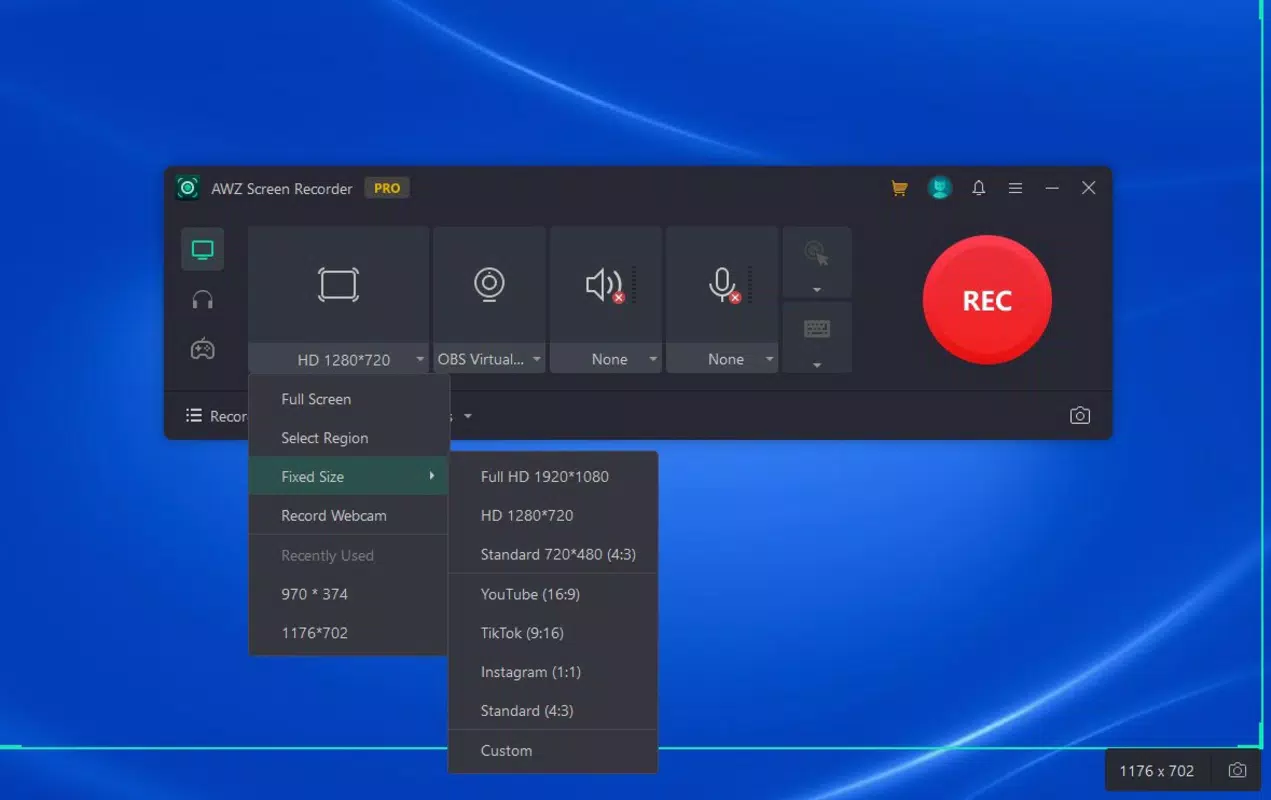
AWZ Screen Recorder delivers a suite of features tailored to meet diverse recording needs. One of its standout capabilities is high-quality recording, allowing users to capture video and audio in customizable formats, with support for multiple resolutions and frame rates. This flexibility ensures recordings are optimized for both clarity and file size efficiency. Users can choose to record the entire screen, a specific window, or a custom-defined region, which is ideal for focusing on particular content while minimizing distractions. The built-in editing tools enable basic post-production tasks such as trimming, compressing, and annotating recordings directly within the app. This reduces the need for external software and speeds up content preparation. Additionally, the app supports multiple output formats including MP4, AVI, and MOV, enhancing compatibility across devices and platforms. These features are particularly beneficial for users who need to distribute content quickly and reliably. For example, an educator can record a lesson, trim unnecessary segments, and export it in MP4 for easy sharing with students. A business professional might use the app to document a software demo, annotate key steps, and send it to a client. The combination of recording flexibility, editing convenience, and export versatility makes AWZ Screen Recorder a practical choice for users seeking a streamlined workflow.Interface, UX & Performance
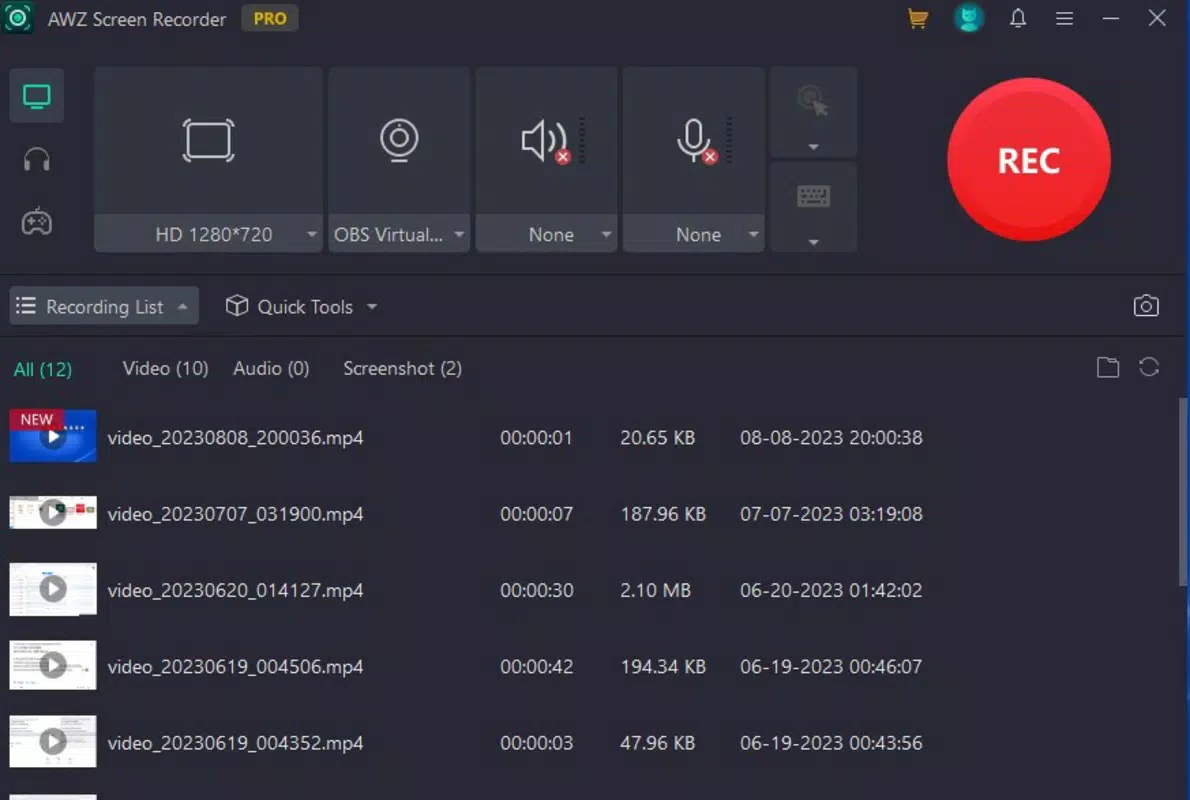
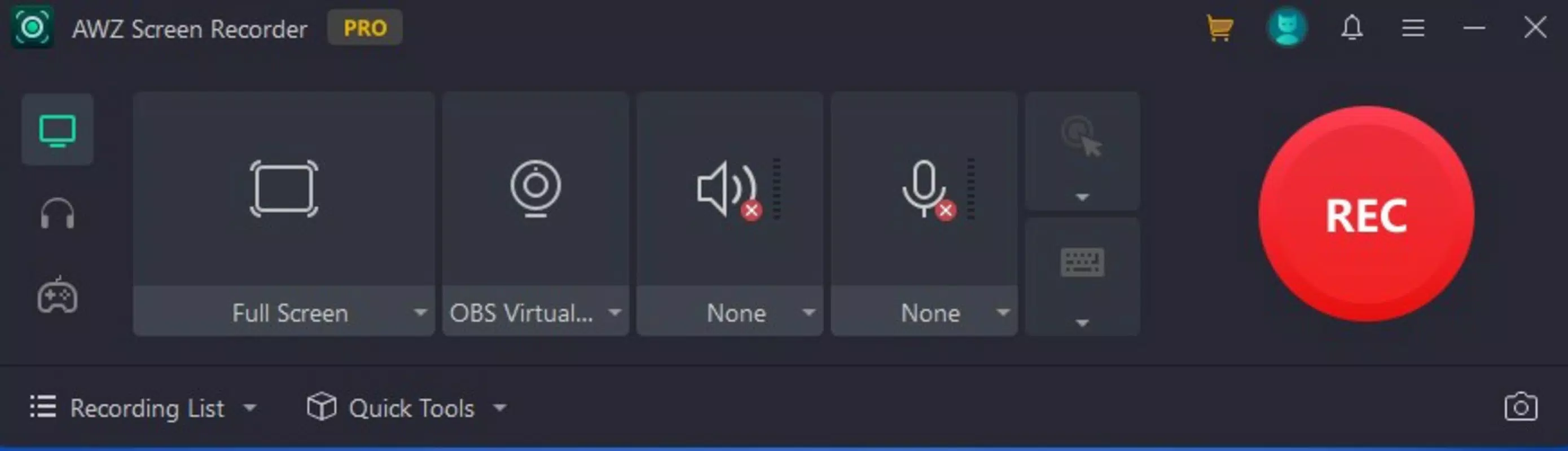
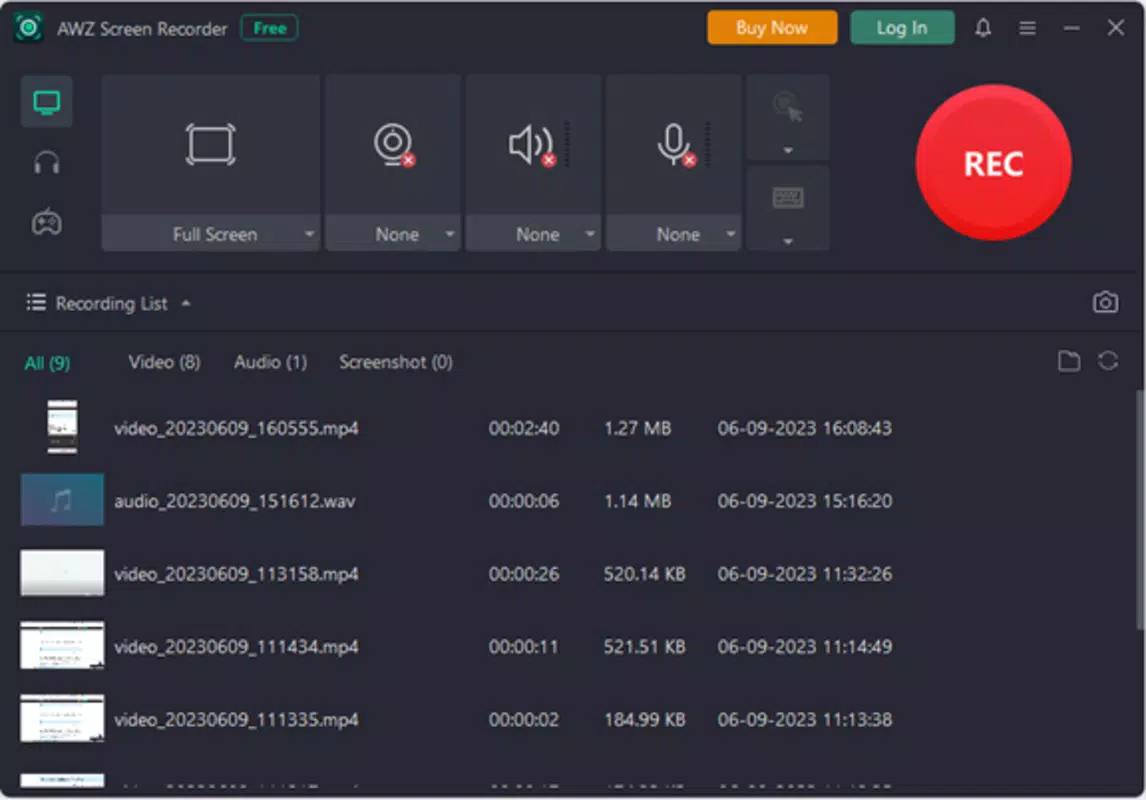
The interface of AWZ Screen Recorder is designed with usability in mind, featuring a clean and intuitive layout that simplifies the recording process. Navigation is straightforward, with clearly labeled options for screen selection, audio input, and output settings. The visual style emphasizes functionality over decoration, ensuring that users can focus on their tasks without distraction. While the developer did not list formal performance metrics, the app’s design suggests responsiveness across a range of devices. Users can expect smooth operation during recording sessions, with minimal lag or interruptions. The app’s stability appears consistent, as it supports continuous recording without noticeable crashes or freezes during standard use. Although the developer did not specify minimum OS requirements or performance benchmarks, the application’s lightweight nature implies efficient resource management. It is likely optimized for systems with moderate hardware specifications, making it accessible to a broad user base. The responsiveness of the interface remains consistent during mode switching and setting adjustments, contributing to a seamless user experience. Overall, the app balances visual clarity with functional efficiency, making it suitable for both novice users and those with more advanced needs. The lack of detailed technical documentation does not detract from its usability, as the interface remains self-explanatory and easy to master.Platform Compatibility & Technical Requirements
AWZ Screen Recorder is available for both Windows and Mac platforms, supporting a wide range of desktop operating systems. The app was released on July 11, 2024, indicating it is a recent addition to the screen recording category. The developer did not specify minimum OS versions or exact file size requirements, nor did they list hardware specifications. Compatibility information was not fully disclosed, so users should verify system compatibility with their respective devices. The app’s file size is not publicly stated, but its efficient design suggests it is optimized for quick installation and minimal storage usage. Since the app is designed for desktop environments, it is not available on mobile platforms such as Android or iOS. Users should ensure their system meets general requirements for running screen recording software, including sufficient RAM and processor power. The lack of detailed technical information means that compatibility with older systems or low-end hardware cannot be confirmed. However, the app’s focus on usability and performance suggests it is built to function reliably on modern desktop environments. Users are advised to consult official sources for the most up-to-date installation and compatibility details.Pros and Cons
- Supports high-quality video and audio recording with customizable settings
- Offers flexible recording modes: full screen, window, or custom region
- Includes built-in editing tools for trimming, compressing, and annotating
- Exports recordings in multiple popular formats (MP4, AVI, MOV)
- Intuitive interface suitable for both beginners and experienced users
- Developer did not provide detailed system requirements or performance specs
- Platform availability limited to Windows and Mac; no mobile version announced
- Specific file size and OS version details were not disclosed
- No information on update frequency or long-term support
- Limited visibility into developer background or company history


